
Play 2048 Online
Sixteen squares, one sloppy swipe
2048 looks like four-way sliding, but lose corner discipline and your biggest tile drifts, space vanishes, and the board locks. This site puts the live board on the home page—hints, undo, daily challenge, and a local best score—open a browser tab and play, no account and no install.
Look, then slide
Before each swipe, ask where the largest tile will land. Keep big values tucked in a corner with one increasing edge chain; avoid random up-down wiggles.
If a move scrambles the board, undo once and try another direction. Hints suggest a direction when you are stuck—use them to break deadlocks, not to autopilot every turn.
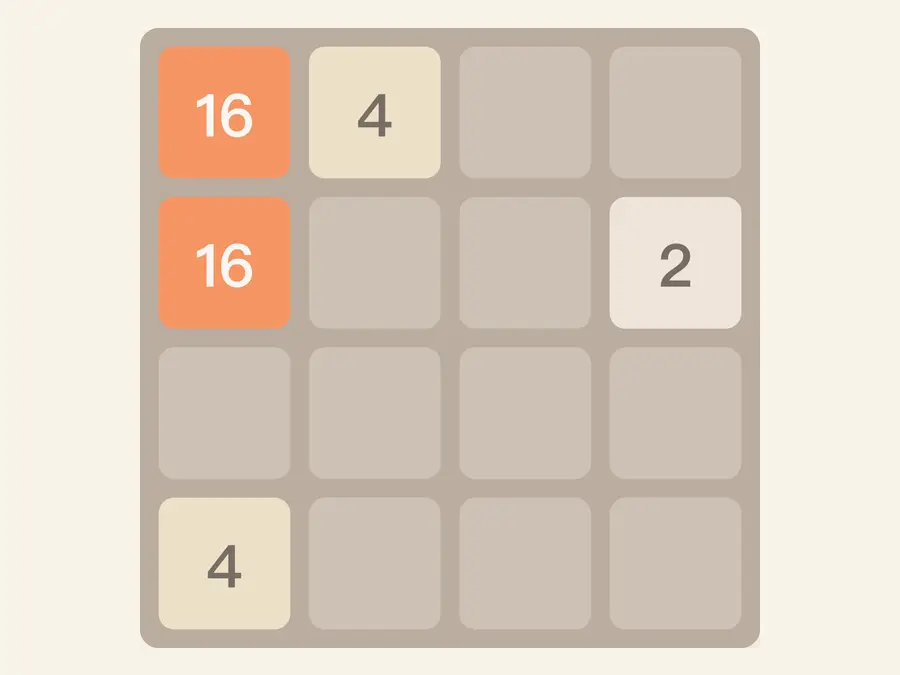
Play on the home page
Land on a live 4×4 grid. Score and best sit in the header; the board column focuses on merges while the side panel tracks max tile, time, and recent runs.
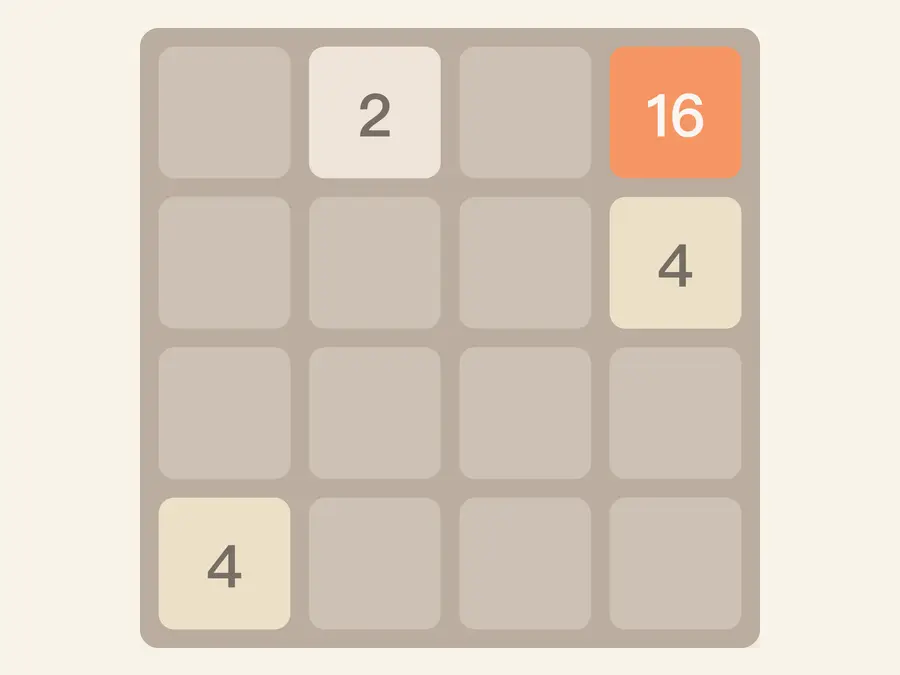
Daily challenge
Everyone gets the same starting layout and target tile for the calendar day—good for rhythm practice and friendly comparisons. Tap Daily challenge in the toolbar to see target and status in the side panel.
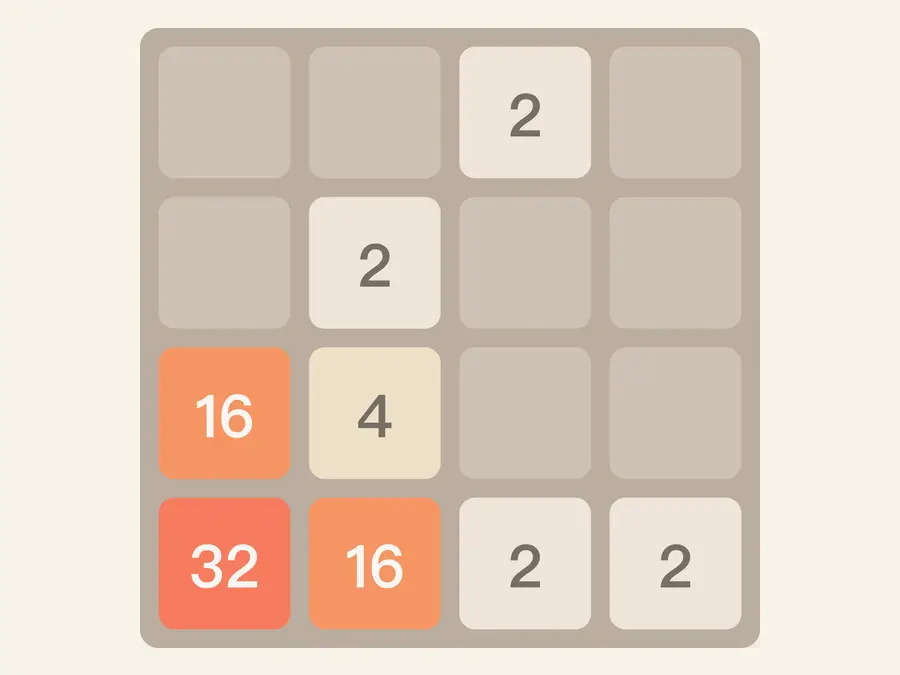
Scores stay on your device
Best scores and recent games live in browser storage; they do not follow you across devices. You can clear the recent list from the side panel; the privacy page explains what stays local versus server logs.
4×4classic grid
2048signature tile
Hintsdirection when stuck
Undoone step back
Common questions
How do merges work?
On a swipe, tiles slide as far as possible, then equal neighbors in that row or column merge once into double value. After the move settles, a new 2 or 4 appears in a random empty cell.
When does a run end?
When the grid has no empty cells and no swipe can merge anything. You can still read score and max tile, then tap New game or Play again on the overlay to start fresh.
When should I use hints versus undo?
Hints recommend a direction when the board feels stuck—use them to break deadlocks, not every turn. Undo rewinds exactly one step; after you move again, you can undo that new step. It is meant for a clear mistake, not unlimited takebacks.
How is daily challenge different from New game?
Daily challenge uses a date-based starting layout and target tile (for example reach 1024 or 2048 today). You can keep playing for score after you clear the target; progress is stored locally. New game returns to a normal random start and hides the daily panel.
How do I control the board on desktop and phone?
On desktop use arrow keys or WASD. If keys do nothing, click the page once so focus is not stuck in the address bar. On phone, swipe up, down, left, or right on the board—the same directions as the keys.
Can I keep playing after I make 2048?
Yes. After you hit 2048 you can keep merging toward a higher score and larger tiles. If the grid locks, use Play again on the overlay or New game for a clean board.
Where are best score and recent games stored?
Both live in this browser’s local storage on your device—they do not sync to other phones or laptops. Recent games shows a short local list; Clear history removes that list only, not your all-time best.
How do I turn sound on? Why is it sometimes silent?
Use the speaker button at the top of the side panel. Browsers need a tap or swipe before audio can play; if you just loaded the page, toggle sound or make one move, then merge sounds should play reliably.
Who is moving during Watch demo?
Watch demo runs a short automatic sequence built into the page—it is not a live opponent. Your swipes are ignored until you tap Stop demo or start a new game.
Do I need an account or app install?
No account is required—open the URL and play. Adding the site to your home screen is optional; the full game works in a normal browser tab.
